 Smooth Air
Support for your flight.
When flying feels unsettling, searching the internet isn’t always helpful. Take Smooth Air with you: aircraft sounds, simple practices and a plan for your flight. All offline.


Recognise a sound. Find what helps.
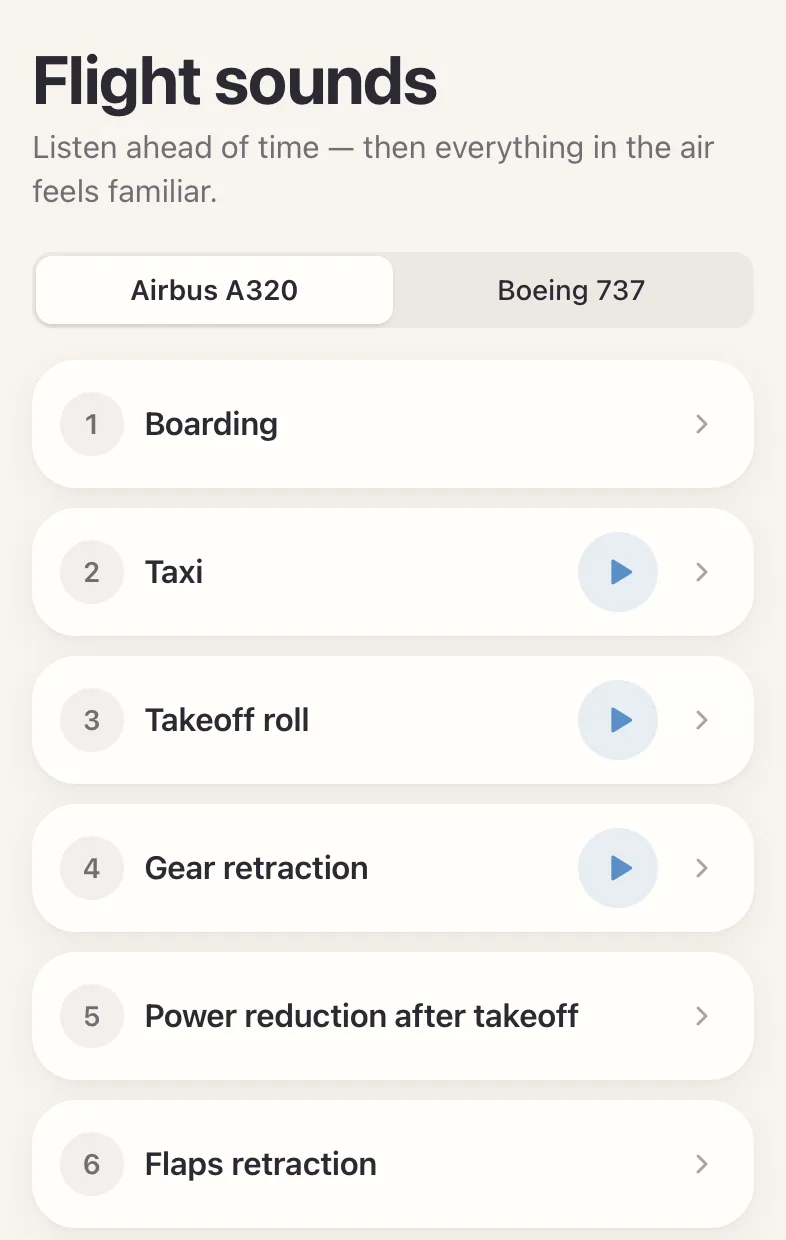
From landing gear to changes in engine power: listen to A320 and Boeing 737 recordings and read the explanations before you travel. A way to get familiar with sounds, not to assess an aircraft.
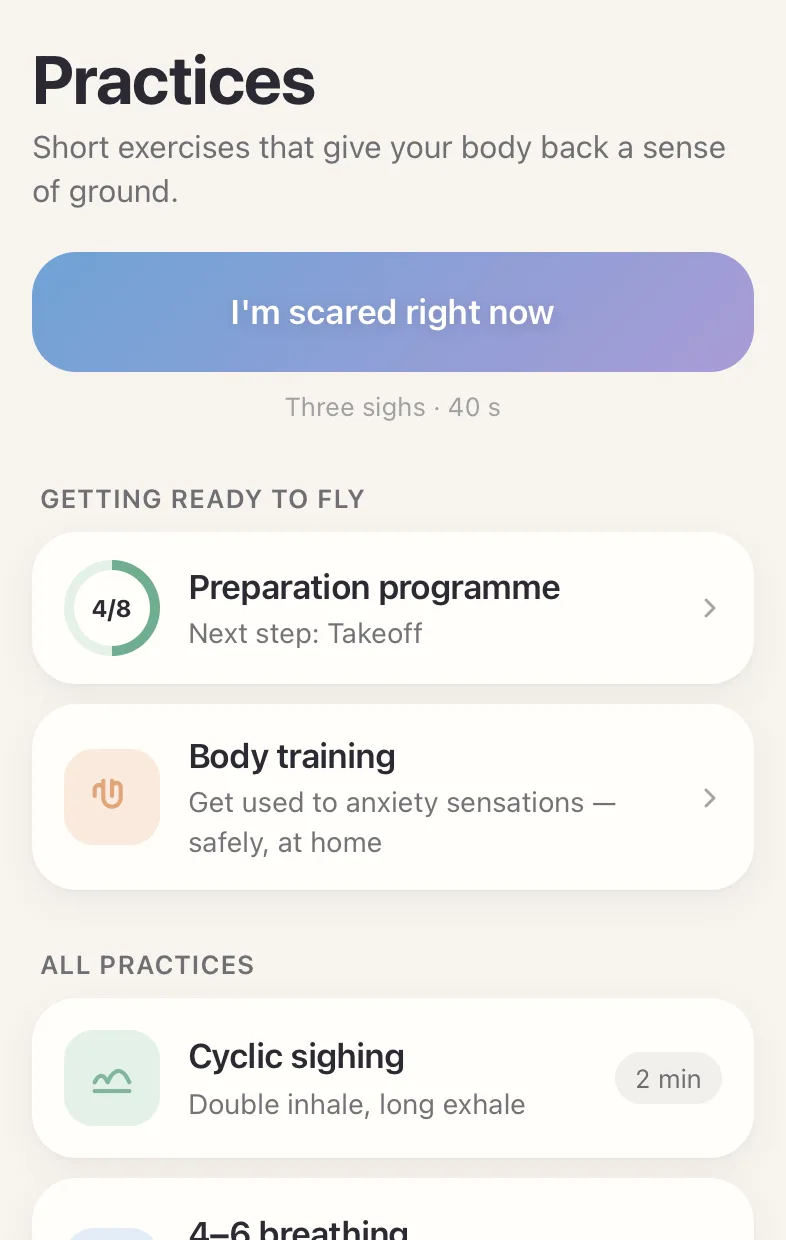
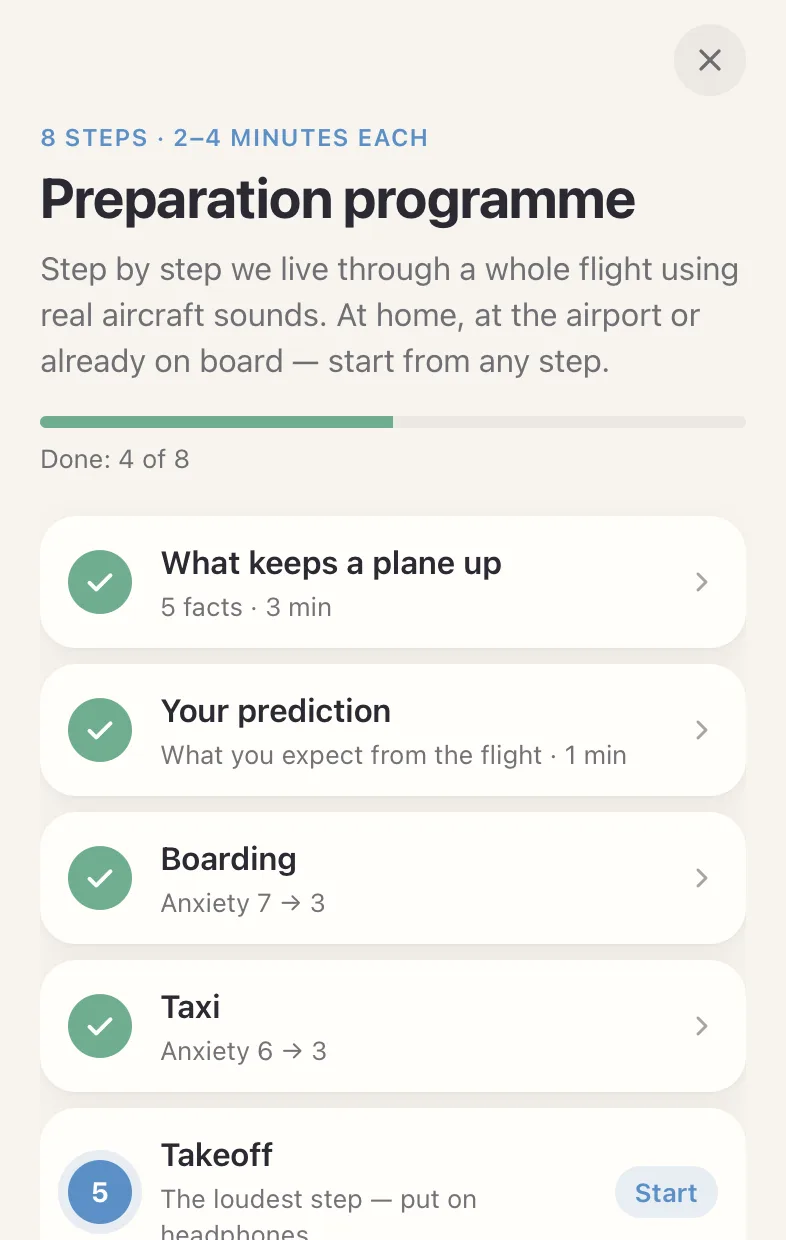
Prepare before you board.
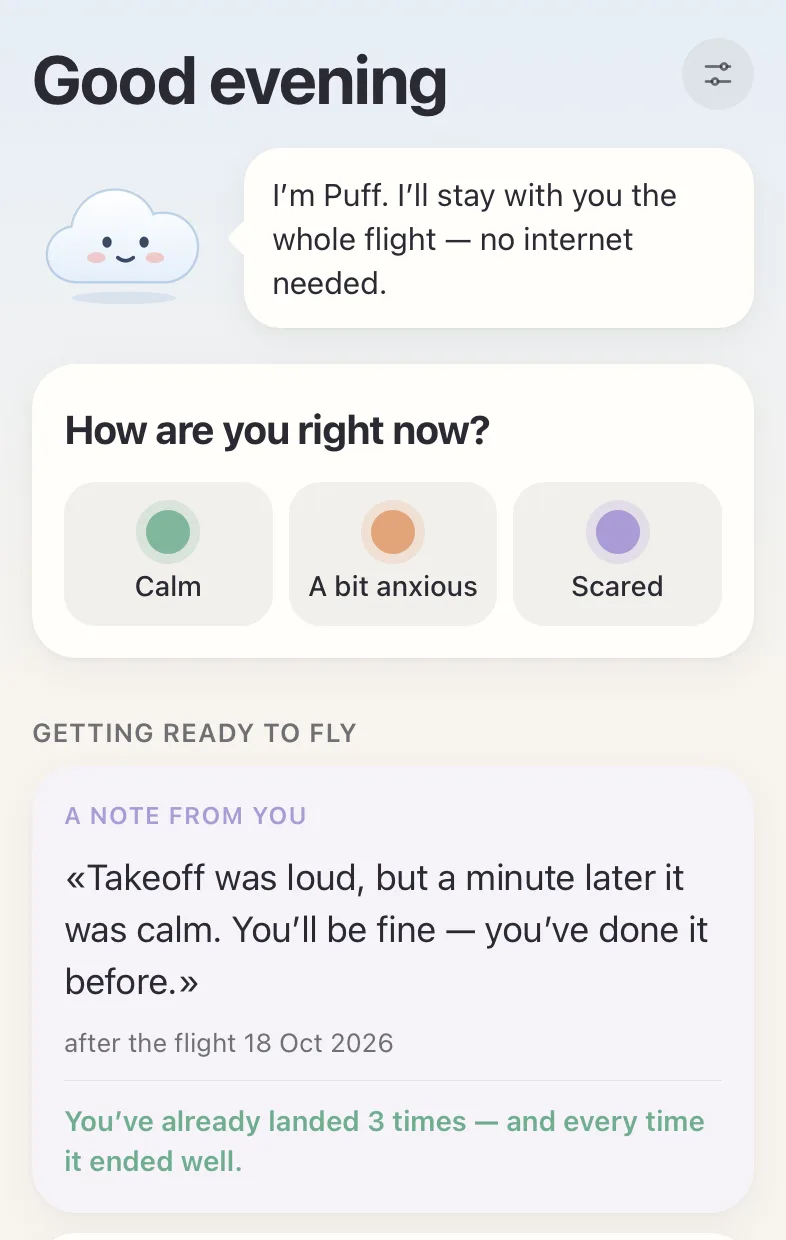
Make a small plan, save your flight and note what helped after landing. Your notes stay on your device. No accounts, ads or analytics.
Understand your flight
- Fear of flying after plane crash news: what helps
Fear of flying after plane crash news: what the safety numbers do and don't say, how investigations work and a short routine for limiting the news.
- Claustrophobia on a plane: a plan from boarding to landing
Claustrophobia on a plane: how it differs from fear of flying, what the cabin air and doors do, and a plan for boarding, takeoff and the seat belt sign.
- Anxious about your first flight in years? What to expect
First flight in years and anxiety: what to expect at the airport and on board, how to plan the first stretch, and when to ask for help.
- Scared of flying tomorrow? What to do tonight and on the day
Scared of flying tomorrow, what to do? A plan for tonight, the morning, the airport and the plane, plus when to get help. Self-help, not treatment.
- Are go-arounds dangerous? What an aborted landing means
Are go-arounds dangerous? What a go-around is, why pilots abort a landing, how often it happens and a short routine for the minutes afterward.
- What to do if you have a panic attack on a plane
What to do if you have a panic attack on a plane: steps you can take in your seat, what to say to the crew, and when to ask for urgent help.
- Why does the plane feel like it's falling after takeoff?
Why the plane feels like it's falling after takeoff: what your inner ear senses, what thrust and flap changes add, and what to do in the first minute.
- Why do plane engines get quieter after takeoff?
Engines can sound quieter after takeoff when thrust is reduced to a climb setting. That is not an engine shutdown. What to do if the change worries you.
- Should I tell the flight attendant I'm scared of flying?
Should I tell the flight attendant I'm scared of flying? What to say at boarding, what crew can and cannot do, and when to speak up at once.
- Why does turbulence feel like falling?
The falling feeling in turbulence involves your inner ear, which reacts to sudden up-and-down motion. Why it can’t measure a drop, and what to do.
Before you download
Does it work without internet?On iPhone, practices, sound explanations and notes work in airplane mode. Install before departure and open the sections you need. Current weather requires internet; GPS depends on signal reception.
Do I need to pay or create an account?No. The app is free, with no accounts or ads. Your notes and flight history stay on your device, not on our servers.
Does the sensor tell me whether a flight is safe?No. It shows the movement of your phone, not the condition of the aircraft, and does not predict turbulence. Ask your crew about concerns on board.
Is this treatment for fear of flying?No. These are self-help resources and practices. If fear is disrupting your life or preventing travel, discuss it with a qualified professional.
Take support with you.
Download on your iPhone while you’re online.